

What to get right when you set up an employee ID badge system
Card type, lanyard, holder and name badge are connected decisions. What to choose, and in what order, if you are starting from scratch.
August 14, 2026 · 5 min read
Are you printing cards, or building a system?
Most of the requests we get start with "we would like to print staff cards," and the need that surfaces once we talk is usually broader: the card needs something to hang from, something to protect it, and sometimes a technology that opens a door.
Thinking about those four pieces together from the start costs less and gives a tidier result than buying them one at a time. Below is the order the decisions come in; each step narrows the next.
1. Use decides the card type, not budget
The first question is this: is the card only going to show identity, or does it have to talk to a system? The answer drives every other choice.
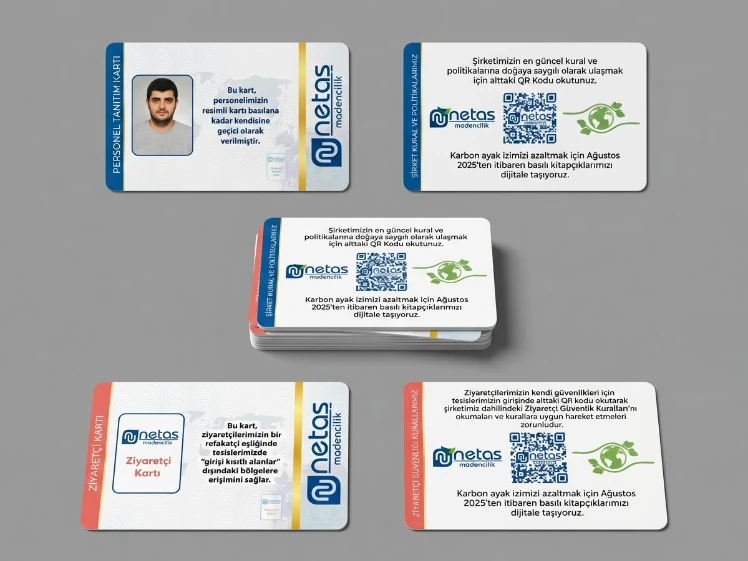
If the card is purely visual identification, a printed PVC card is enough and adds no cost. If it has to work with a cafeteria, turnstile, door or time-attendance system, your reader decides the card — tell us the model you already have and we will pick the card that matches it.
- Identification only
- Printed PVC card
- Library, asset tracking, cafeteria
- Barcode card
- Older turnstiles and parking systems
- Magnetic stripe card
- Doors, elevators, contactless access
- RFID card (Mifare or proximity)
2. What goes on the card
Less information usually works better on a staff card. The name and the photo have to be readable from a distance; job title, department and employee number can sit in the second tier.
If you are using photos, collect everyone's against the same background and in the same crop. Photos shot in different settings make the whole set of cards look untidy.
Emergency information can go on the back: blood type, who to call in an emergency, building rules. That way the information travels with the card without crowding the front.
3. Lanyards: width, material, attachment
A lanyard involves three separate decisions, and all three are independent of each other.
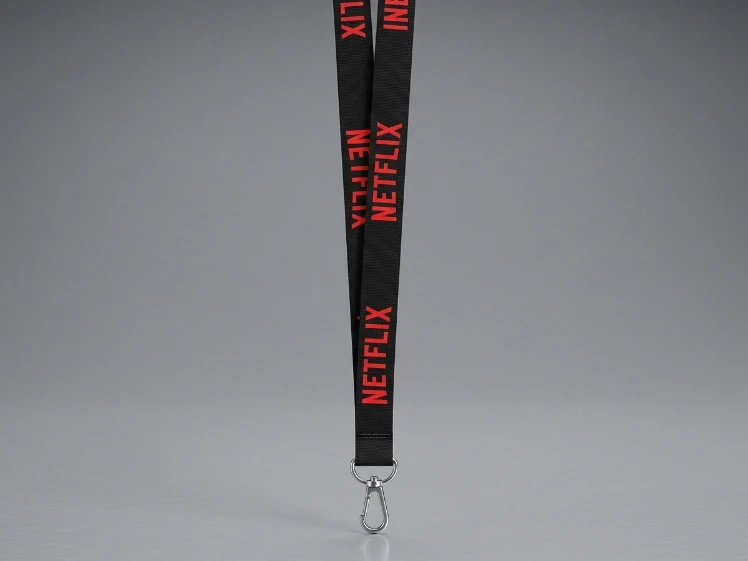
Width follows the print: a single-color, simple logo works at 10 mm, while a multi-color logo or any text meant to be read — a web address, say — needs 15 mm or more. The 20 and 25 mm widths tend to be chosen for trade shows and events.
The attachment determines how the card hangs from the lanyard. A metal clip is the most common and the cheapest. A carabiner makes the card easy to take off and put back. A retractable yo-yo lets the card be pulled out and held up to a reader; anyone who goes through a turnstile several times a day feels that difference immediately.
Do not skip the safety breakaway. A buckle that releases under a sudden pull protects the neck if the lanyard catches on machinery or a door. In a factory or a workshop, that is not a preference — it is a requirement.
4. Do you need a card holder?
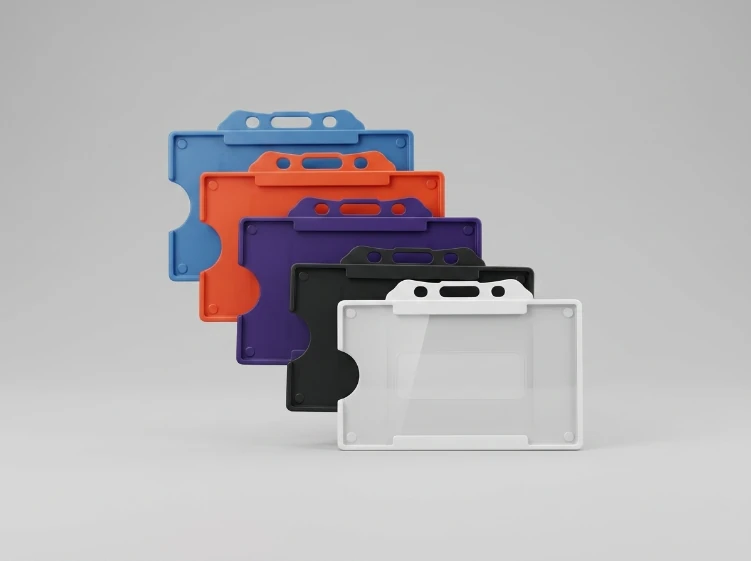
If the card goes in and out of a pocket several times a day, rubs against a reader, or is used in a dusty environment, a holder extends its life noticeably. For a card that sits on a desk in an office it may not be necessary.
There are two kinds. Rigid plastic holders protect the card against bending and are ordered by model code. Soft PVC pockets are more flexible and cheaper, and are chosen by size; the colored band across the top is a practical way to separate departments — blue for the technical team, red for admin, and so on.
5. When a metal name badge makes sense
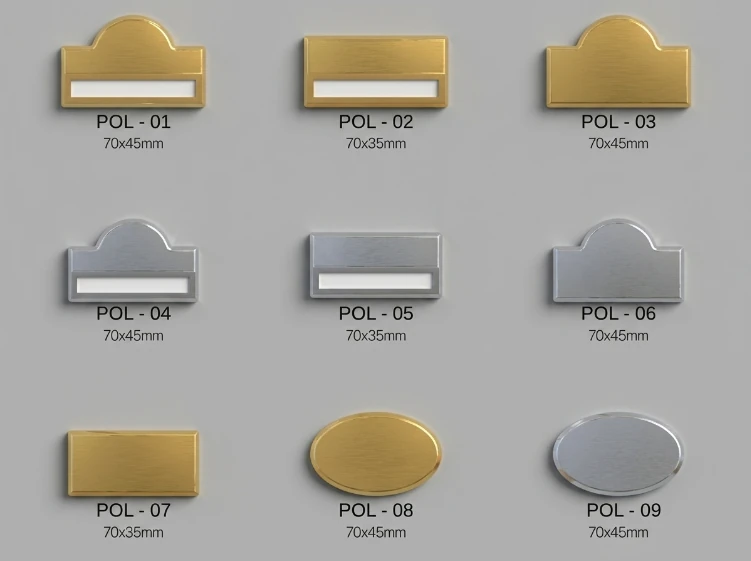
A metal name badge is not an alternative to a plastic card, it is a complement. For staff who work face to face with customers — a hotel front desk, a store, a restaurant — it gives a polished look, and the 3M adhesive on the back attaches it directly to the uniform.
The two are usually used together: a metal badge on the lapel, an access card on the lanyard. One is the face the customer sees, the other is the card the system reads.
Metal badges are produced from 10 pieces upward, so adding a badge for a single new hire later is not a problem.
6. Plan for staff turnover from the start
Most companies setting up a system order exactly as many cards as they have people, and then come back six months later for cards one at a time.
Two things make that easier. First, keep around ten percent of headcount as spare unprinted blanks. Second, build the card design around departments rather than employee numbers; the same design then works for a new hire as well.
Standard-size cards are produced in multiples of 10, so a follow-up order has no high threshold to clear.
Products covered in this article
Tell us the quantity and what goes on the card, and we'll have a price back to you the same day.
Frequently asked questions
The questions we get asked most about this topic.
How do you work out which card will work with our existing turnstile?
Just tell us the make and model of the reader and we will find out which card type it works with. If you do not know the model, send us one of your old cards and we will identify it from what is printed on it.
Do we encode the cards, or do you?
Either way works. We can write the data at our facility and deliver the cards ready to use, or send them blank for you to encode in your own system. We settle which one is more practical for you when you place the order.
Every employee's photo and name will be on the card — does that add much to the cost?
No. Variable data printing is standard practice; putting a different name and photo on every card does not cost meaningfully more than printing the same card in bulk. All we need is the photos and the name list in one organized file.
How many colors can we print on a lanyard?
Dye sublimation has no color limit and prints photographic gradients. Screen printing is more economical for one or two colors. Jacquard weaving works the logo into the threads, so it never wears off, but it cannot carry fine detail. Send us your logo and we will tell you which one will do the job.